
Justin Reich
Assistant Professor, Comparative Media Studies, MIT
 | EDGE
MITx
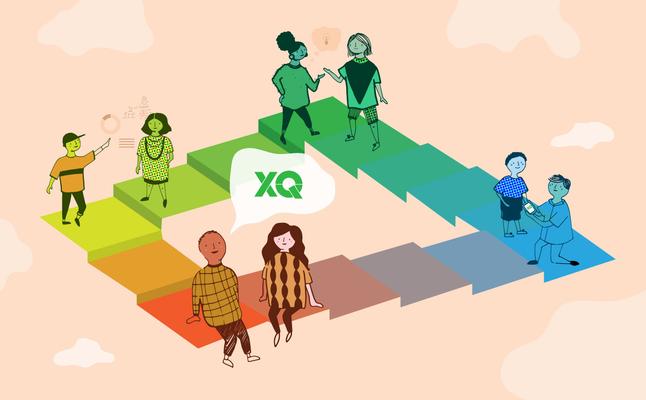

As a proud participant in XQ: The Super School Project, you submitted a proposal to redesign the American high school. Redesigning a system as complex as high school requires innovative thinking during the design process and continuously as the school runs. Launching Innovation in Schools: XQ Edition is designed to provide you with tools and mindsets to support your work in revolutionizing education.
Based on the work of Justin Reich (Comparative Media Studies and Teaching Systems Lab, MIT) and Peter Senge (MIT Sloan), this course will focus on visioning and capacity-building, with an emphasis on collaboration and building partnerships with stakeholders at multiple levels. You'll still be working toward fundamental change in the structure of high school, but you'll be focusing on experiments and actions you can tackle right now in the context you're currently working in. The course videos, assignments, and other resources will provide inspiration and support as you do this important work. Innovation happens through a process of experimentation and iteration, and this course is an excellent opportunity to practice that process by embracing a meaningful challenge in service of rethinking school.
We affirm the potential for all sorts of stakeholders to be active and effective participants in school innovation. Whether you are a teacher, administrator, community member, or non-traditional educator, we welcome all of you to Launching Innovation in Schools: XQ Edition.
Assistant Professor, Comparative Media Studies, MIT

Senior Lecturer in Leadership and Sustainability, MIT Sloan School of Management
Everyone who completes more than 60% of the coursework will receive a certificate from XQ.
You’re welcome to take the course as an individual, but it’s even more powerful when you enroll with a group in what we call a learning circle. A learning circle is a facilitated, in-person study group for learners who are all registered in the same online course. You and your colleagues can work on the course online independently, and then find a little time to come together to discuss what you are learning.
We could tell you, but we thought it would be more helpful for you to hear from one of our learners. In this video, Douglas Kiang, a computer science teacher who participated in the previous run of the course, talks about his experience.
Edge is used for small, private, online courses (SPOCs) like Launching Innovation in Schools: XQ Edition. As such, Edge does not have a course catalog, and courses cannot be found through search engines such as Google. Only learners who are explicitly invited or who have the URL of an Edge course can participate in courses on Edge.
Because this course is offered on Edge, it is not available on the edX mobile app. Still, most components of this course will function in a mobile browser. If a component is not functioning, use a computer with an up-to-date version of Firefox or Chrome to complete task.
The Open edX platform works best with current versions of Chrome, Firefox or Safari, or with Internet Explorer version 9 and above.
See our list of supported browsers for the most up-to-date information.